How to optimize your resume for ATS (an honest, step-by-step guide)
An ATS-optimized resume is read in full by the software and speaks the job's language. Here's how to optimize your resume for ATS, step by step.
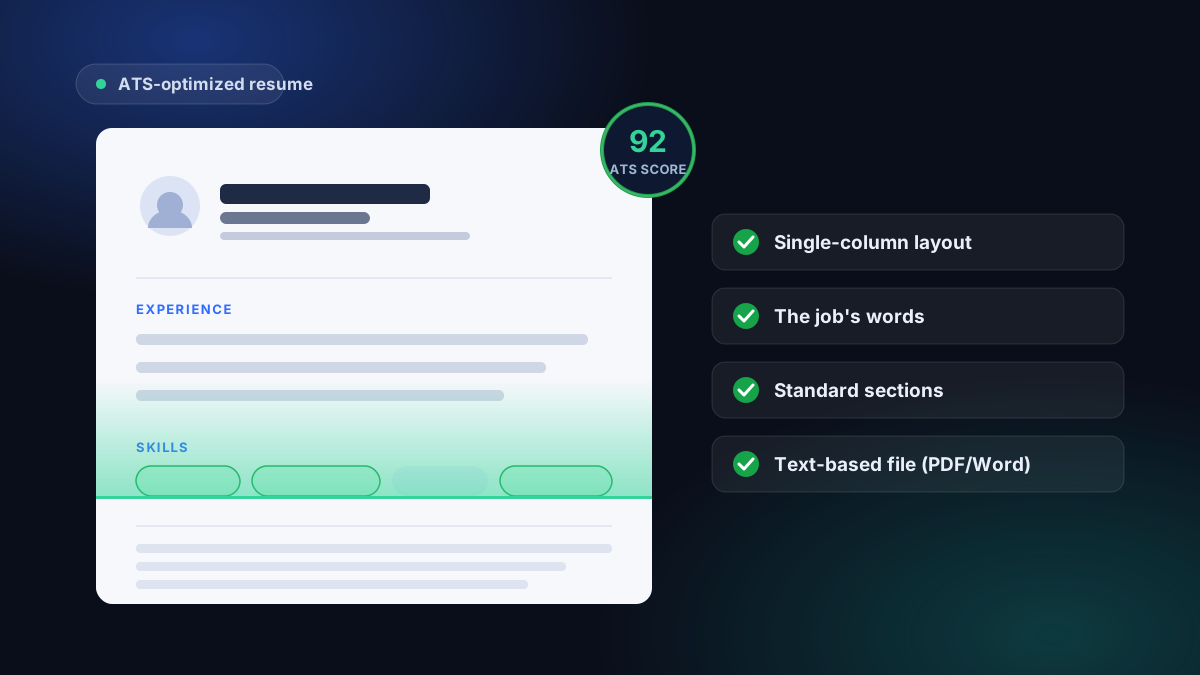
To optimize your resume for ATS, use a single-column layout, standard section headings, selectable text, and the job's exact terms only when they truthfully describe your experience. An ATS-optimized resume is one the software can read in full and sort correctly before a recruiter reviews it.
Here's what "optimizing your resume for ATS" really means, and how to do it step by step - free, starting from the free ATS check.
Optimizing for ATS isn't tricking the software
You'll sometimes read that you should "beat the ATS": keywords hidden in white-on-white, terms stacked at the bottom of the page, inflated titles. Bad idea. Those tricks are detectable, read badly, and above all they don't survive the interview - a recruiter spots a skill you don't have within five minutes.
Optimizing a resume for ATS is the opposite: make your real experience easy for the machine to read, then phrase it in the language of the job. The software isn't an obstacle to outsmart, it's a reader you hand a clean document. No guarantee of passing - no one can promise that - but you stop eliminating yourself.
The four levers of an ATS-optimized resume
1. A layout the machine can read
The ATS extracts the text from your file before anything else. If it stumbles on the layout, nothing else matters. The most common traps: multiple columns, tables, text boxes, details placed in the header or margin, and resumes exported as an image rather than text.
The fix is simple: a single column, standard section headings, selectable text. If you start from the builder at the ATS-friendly resume builder, the live preview already uses an ATS-friendly layout, so you begin on solid ground. To understand what really matters in machine reading, read is your resume ATS-friendly.
2. The job's words - where they're true
An ATS compares your resume to the terms in the ad. If the posting says "project management" and you write "team coordination," the match can fail even though you do the same thing. The rule: use the exact words from the posting only where you genuinely have the experience.
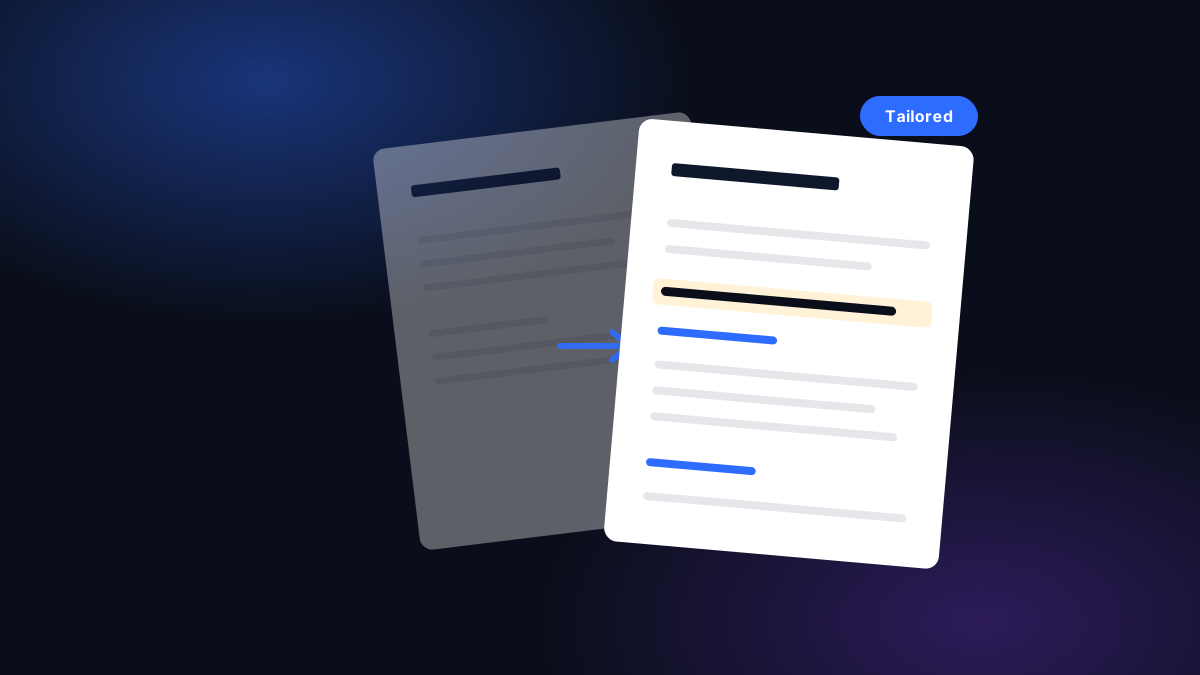
This isn't keyword stuffing. Stuffing piles up terms out of context; honest optimization uses the right vocabulary in true sentences. You don't have to do this by hand: paste a job and your resume into tailoring to a job, and you see the must-have terms you cover and the ones you're missing. The detailed method is in how to tailor your resume.
3. Sections the software recognizes
The software sorts your resume into sections - help it. Simple headings ("Experience," "Education," "Skills"), aligned dates, and a consistent date format beat creative titles. Avoid original headings ("My journey," "What drives me") for the sections the machine is trying to classify.
4. A text-based file
The best-looking resume is useless if it's saved as an image. Export a PDF or Word file that contains real, selectable text. The home test: open the file and try to select a line with your cursor. If the selection catches an image block, the file needs to be re-exported. Selectable text is a useful first check, not a guarantee; the PDF versus Word decision guide covers the portal rule, copy-and-paste test and extracted-profile review.
How to optimize your resume for ATS, step by step
- Switch to a single-column layout. Remove columns, tables, and margin details. Start from a clean base at the ATS-friendly resume builder if needed - its preview is ATS-friendly from the start.
- Use the job's keywords - where they're true. Use the posting's exact terms where you have the experience, never elsewhere.
- Structure it into recognizable sections. Standard headings, aligned dates, consistent date format.
- Export a file the software can read. Use a text-based resume PDF, or a supported resume Word file, never an image. One chosen base resume is free to download as PDF. Word files, PDFs of other base resumes, and tailored-resume and cover-letter files require paid access.
- Test, fix, repeat. Run the resume through the free ATS check, fix what's blocking it, then tailor it to each job.
- Single column, standard headings, selectable text (not an image).
- The job's words appear where they're true, with no stuffing.
- Sections carry simple, recognizable names.
- Dates are aligned and in the same format.
- The file is a text-based PDF or Word, not a scan.
- Score checked on the free ATS check, blockers fixed.
Optimizing your resume for ATS, then, is no magic trick: it's making your real experience machine-readable, then saying it in the language of the job. The rest - a guarantee of landing the interview - doesn't exist, and no honest tool will promise it to you.
Common questions
What is an ATS-optimized resume?
It's a resume that applicant-tracking software (ATS) can read in full and sort correctly: a single-column layout, selectable text, standard section headings, and the job's words where you genuinely have the experience. Optimizing a resume for ATS doesn't mean stuffing it with keywords - it means making it machine-readable without inflating anything.
How do I optimize my resume for ATS for free?
Run your resume through the free ATS check: you get an honest score on layout, structure, and machine readability, plus the list of what's blocking it. It's free and needs no sign-up. You can also start from the builder at /build, whose live preview already uses an ATS-friendly layout. Building, editing, and previewing are free.
Should I put a lot of keywords in my resume?
No. Keyword stuffing is visible, reads badly, and backfires the moment you're in the interview. The right method is to use the exact terms from the posting only where you truly have the experience, in sentences that stay true. Software compares your resume to the ad - relevance, not quantity, is what counts.
What resume format passes ATS best?
A single-column layout, standard headings, aligned dates, and a text-based file (PDF or Word, not an image). Avoid multiple columns, tables, headers in the margin, and resumes exported as an image - those are the traps that stop the software from extracting your text.
PDF or Word for an ATS-friendly resume?
Both work as long as the file contains real, selectable text rather than an image. A PDF exported from a text editor is readable; a PDF that's actually a scan is not. When in doubt, open the file and try to select the text with your cursor: if you can, the software can too.
Can AI optimize my resume for ATS?
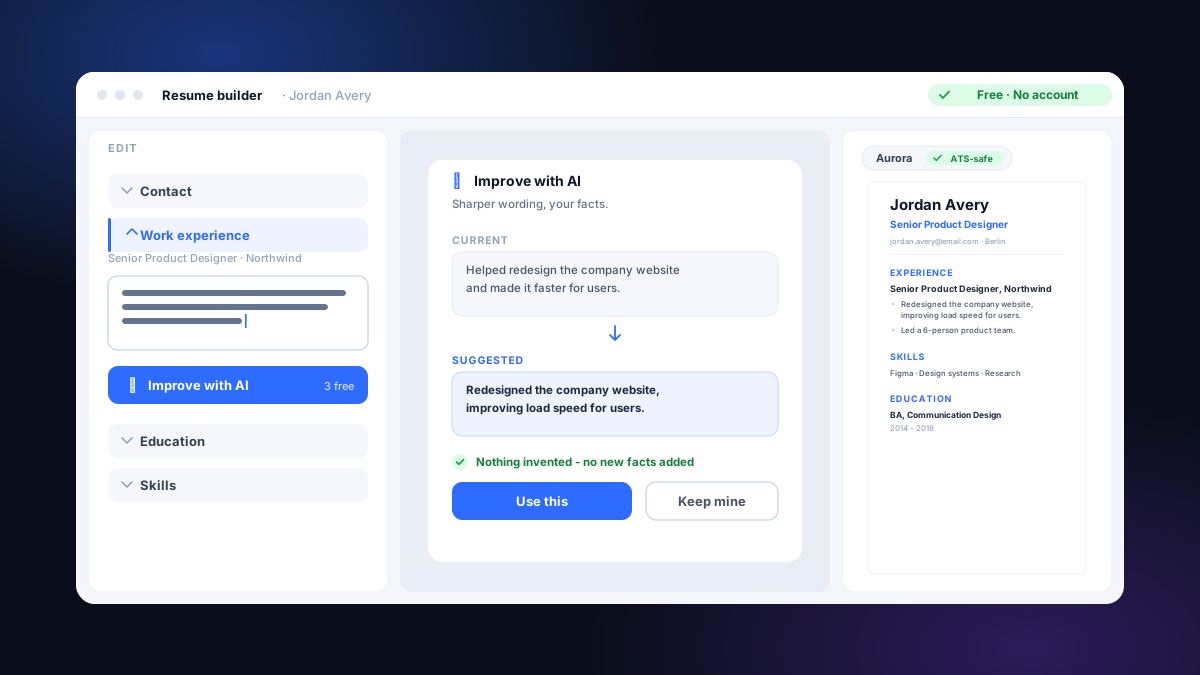
It can sharpen and rephrase, not invent. Improve with AI rewrites your own bullets into clearer wording, and tailoring rewrites your real experience in the language of a posting - keeping your exact words and numbers. A built-in check reverts any line that tries to add a fact you didn't write. The optimization stays honest.
How do I know if my resume is well optimized for ATS?
The only reliable way is to test it. Run it through the free ATS check: you see a score, the issues blocking machine readability, and which of the job's terms you cover. Fix the blockers, tailor it to the job, then re-test - a well-optimized resume scores high and stays entirely true.