How to write the perfect resume (clear, ATS-friendly, tailored)
There's no perfect resume in the abstract - but a clear, ATS-friendly one tailored to each job, yes. Here's how to write the perfect resume, step by step.
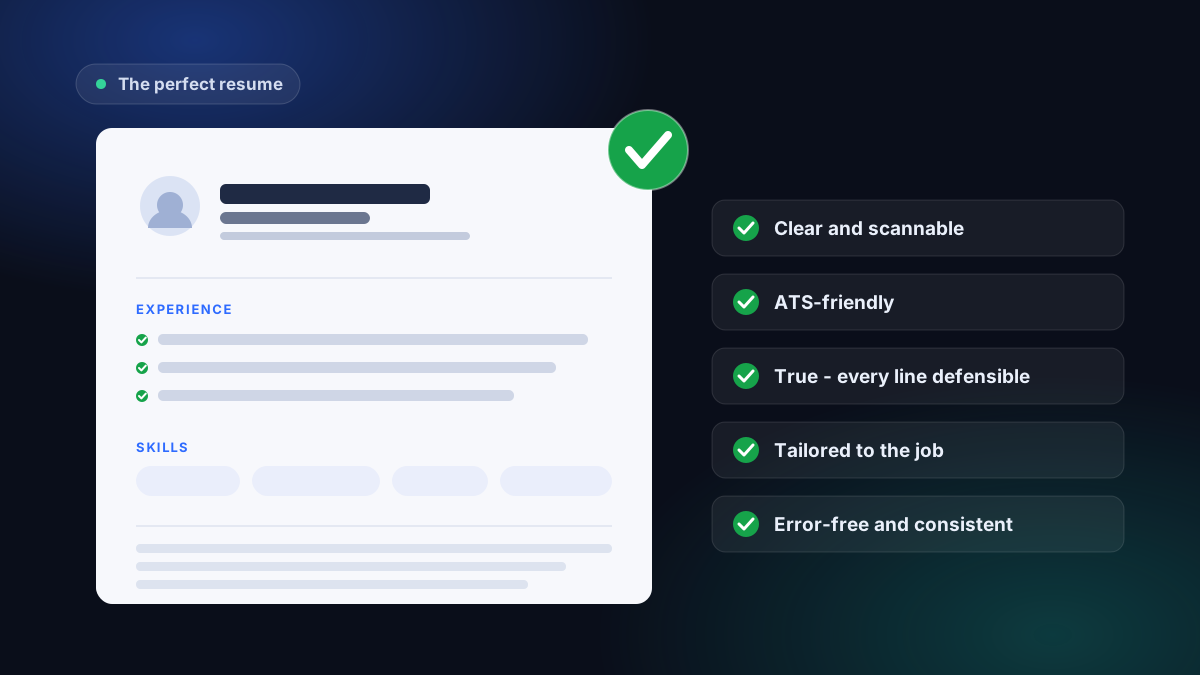
A perfect resume is clear, machine-readable, truthful, error-free, and tailored to one specific job. Build it with a simple structure, prove important skills with concrete evidence, and reorder the content for each application. No single template is perfect for every role.
Here's what actually makes a resume effective, and how to write a resume step by step - free, at the free resume builder.
There's no perfect resume in the abstract (and that's good news)
The same resume can't be perfect for a developer role and a project-manager role. The ideal document depends on the job: the skills to lead with, the words used, the order of sections all change from one posting to the next.
Giving up on the universal template saves you time. Instead, you aim for a resume that checks five objective marks - then you adjust it for each application. Here are those five marks.
The five marks of an effective resume
1. Clear and readable in seconds
A recruiter skims a resume very fast before deciding whether to really read it. A single column, standard section headings ("Experience," "Education," "Skills"), a readable font, and breathing room: the hierarchy should jump out. Two-column layouts and graphic sidebars look nice on screen but break that quick scan - and, as we'll see, the software reads them poorly too.
2. ATS-friendly
Before a human, it's often software - an ATS - that reads your resume. It extracts the text, sorts it into sections, and compares it to the posting. If it can't read your file, nothing else matters.
The most common traps: multiple columns, tables, details in the header or margin, and resumes exported as an image rather than text. The fix is simple: a single-column layout, selectable text, standard headings. To see where you stand, run your resume through the free ATS check: you get an honest score and the list of what's blocking it, with no sign-up. To go deeper, read is your resume ATS-friendly.
3. True - every line defensible
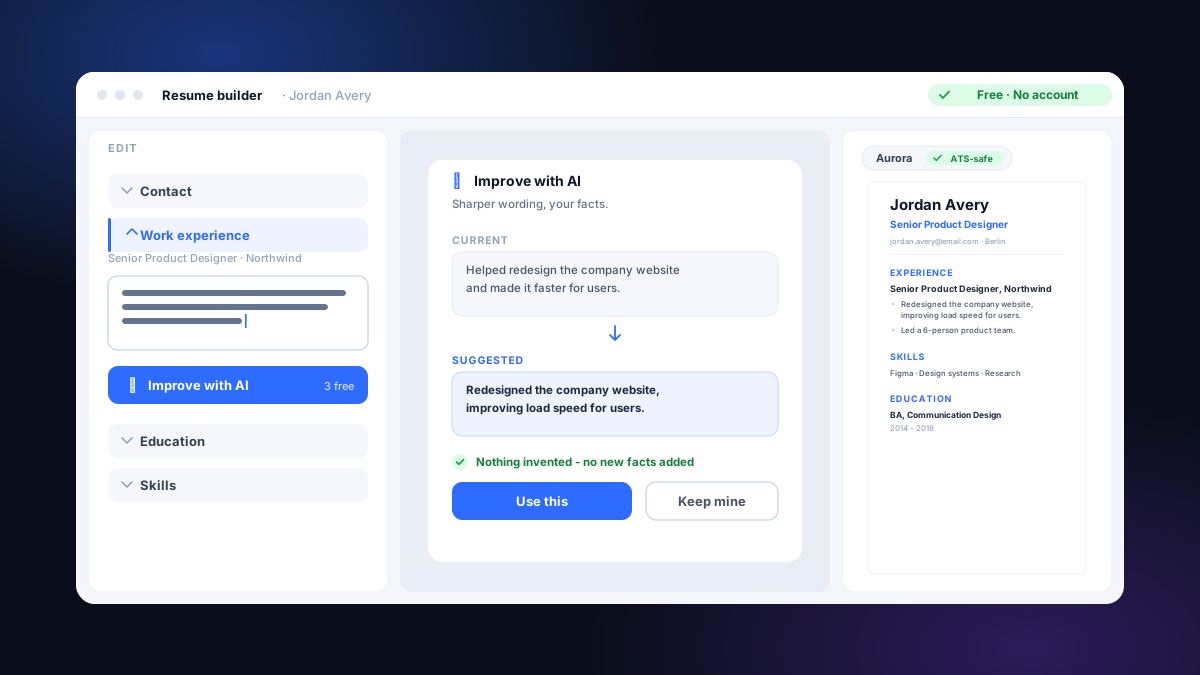
A perfect resume inflates nothing. Every bullet should be specific enough to defend in a five-minute conversation. Numbers help when they're real ("cut processing time by 30%"), but inventing a result or a tool backfires the moment you're in the interview. That's also why, here, the AI never invents facts: it rephrases what you wrote, without adding a number or a title you didn't type. An automatic check reverts any line that tries to slip one in.
4. Tailored to the job you want
This is the mark that most often separates a decent resume from one that lands an interview. The same background can be told several ways; the right version uses the terms from the posting and leads with the skills that matter for that specific role.
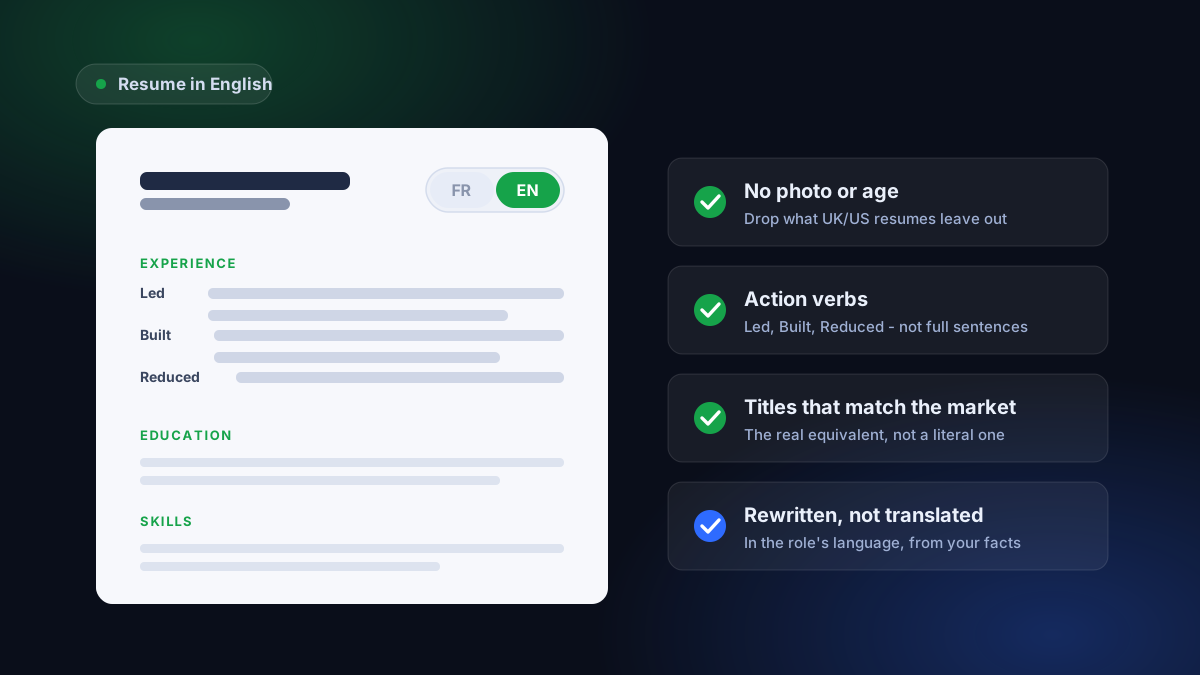
You don't have to rewrite everything by hand. Paste a job and your resume into tailoring to a job: you see the must-have terms you cover and the ones you're missing, and you get a version written in the language of the role, drawn from your real experience. The detailed method is in how to tailor your resume.
5. Error-free and consistent
A single typo or a date that doesn't line up is enough to chip away at trust. Check your verb tenses (past tense for finished roles), date alignment, and consistent punctuation and bullets. Read it aloud, or have someone read it: a fresh eye catches what yours no longer sees.
How to write a resume, step by step
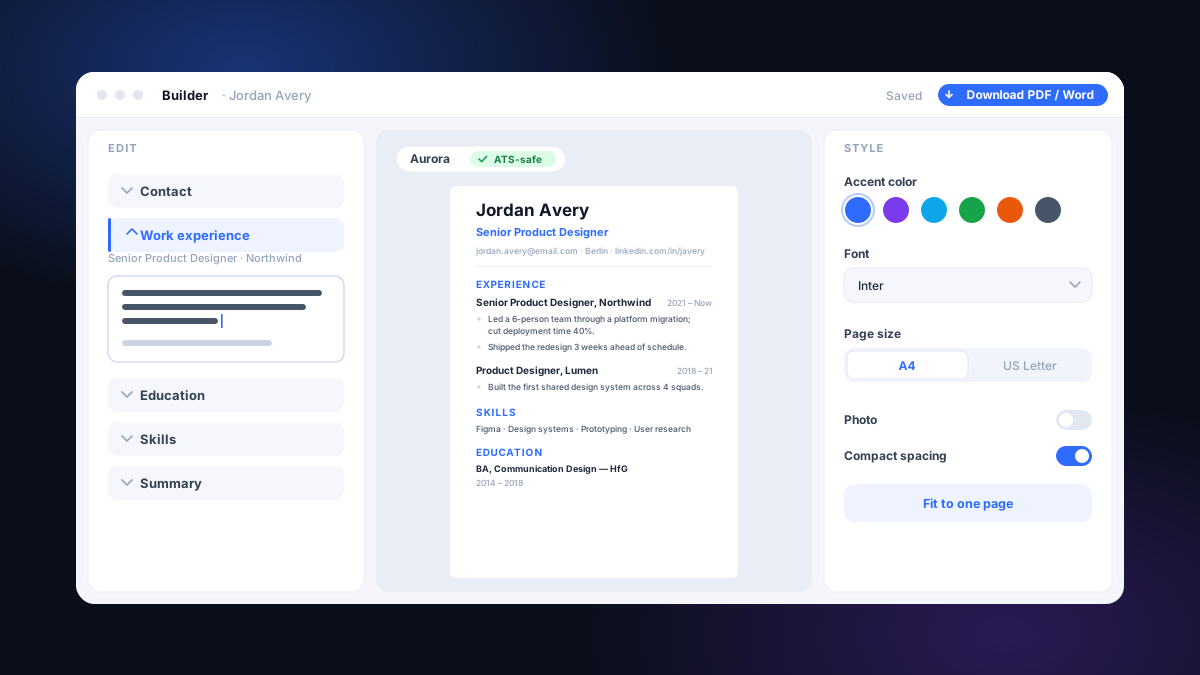
- Start from a clean base. Open the builder at the free resume builder and import your existing resume (PDF, Word, or text), or start from scratch with the guided wizard. The live preview uses an ATS-friendly layout from the start, so you begin on solid ground. If you want to pick a format, see ATS-safe resume templates.
- Fill it with real, concrete results. For each role, three to six bullets: results over tasks, numbers when they're real. Improve with AI can tighten the wording - without inventing anything.
- Test the readability. Run the resume through the free ATS check and fix what's blocking it (columns, tables, headers in the margin).
- Tailor it to the job. For each application, tailor the resume to the posting: cover the terms that matter, in the language of the role.
- Proofread, then export. Check spelling and consistency. Save 3 resumes free and download every base resume as plain text (TXT). Base-resume PDFs, supported Word files, and tailored-resume and cover-letter files require paid access.
- Single column, standard headings, selectable text (not an image).
- Every bullet is true and defensible in an interview.
- Concrete results come before the list of tasks.
- The resume uses the terms from the job I'm targeting.
- Score checked on the free ATS check, blocking issues fixed.
- No typos, dates and verb tenses consistent.
A perfect resume, then, isn't luck or a magic template: it's these five marks, together, then adjusted for each job. The rest is a matter of method - and of a tool that doesn't put a wall in front of you before it lets you work.
Common questions
How do I make a resume?
Start with a clean, single-column layout, then fill it with your real experience: contact details, a short summary, work history with three to six bullets per role, education, and skills. Lead with concrete results over task lists, keep the formatting machine-readable, and tailor it to each job before you send it. The fastest path is to open the builder at /build, create a free account, and import your existing resume or start from scratch with a guided wizard.
How do I create a resume for free?
A free account saves up to 3 base resumes. Editing and unstyled TXT downloads are free. Base-resume PDFs, supported Word files, and tailored-resume and cover-letter files require paid access.
How do I write a resume that gets interviews?
Make it clear and scannable, keep it machine-readable, ensure every line is true and defensible, and tailor it to the specific posting. That last step is the biggest lever: applicant-tracking software compares your resume against the terms in the job ad, so a version written in the language of the role surfaces the skills that matter. Run it through a free ATS check and tailor it per application before sending.
What makes a resume perfect?
A perfect resume isn't a universal template - it's one that's clear, readable in a few seconds, friendly to applicant-tracking software (ATS), entirely true, and tailored to the job you're after. No single document checks all those boxes for every role at once - the right resume is the one that matches the specific posting in front of you.
Should a resume fit on one page?
Not necessarily. One page suits early-career candidates; two pages are normal after several years of experience. The real rule isn't page count but density - every line should earn its place. Cut what doesn't serve the job you're targeting rather than chasing a fixed format.
How do I know if my resume is ATS-friendly?
Run it through the free ATS check: you get an honest score on layout, structure, and machine readability, plus the list of what's blocking it. It's free and needs no sign-up. The most common traps are multiple columns, tables, details tucked in the margin or header, and resumes saved as an image instead of text.
Do I need a different resume for every job?
Not a brand-new resume - the right version of your true experience, written in the language of each posting. Applicant-tracking software compares your resume against the terms in the job ad; a tailored resume surfaces the skills that matter for that specific role. It's the most common gap between a decent resume and one that lands an interview.
Can AI write a perfect resume for me?
It can sharpen, not invent. Improve with AI rephrases your own bullets into clearer, more scannable wording, and tailoring rewrites your real experience in the language of a posting - keeping your exact words and numbers. A built-in check reverts any line that tries to add a fact you didn't write. A credible resume stays yours; AI just makes it sharper.