How to Update Your Resume Without Starting Over
Update your resume with a three-pass system: remove stale content, add verified evidence, and retarget it to the job without rewriting everything.
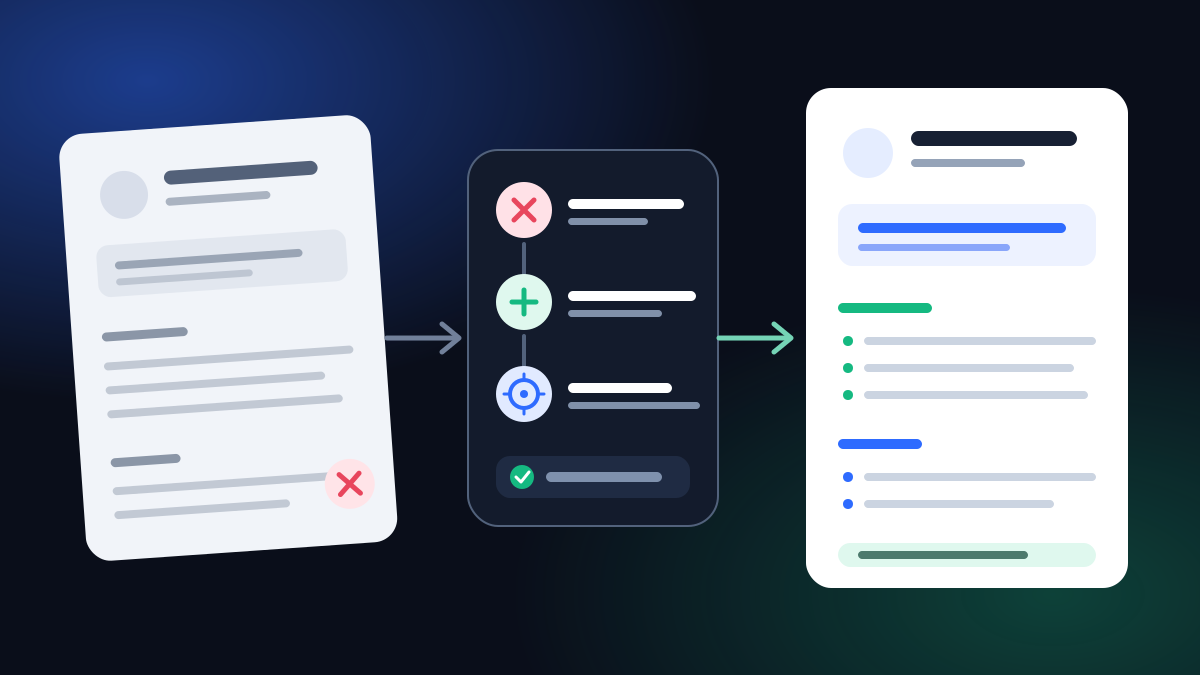
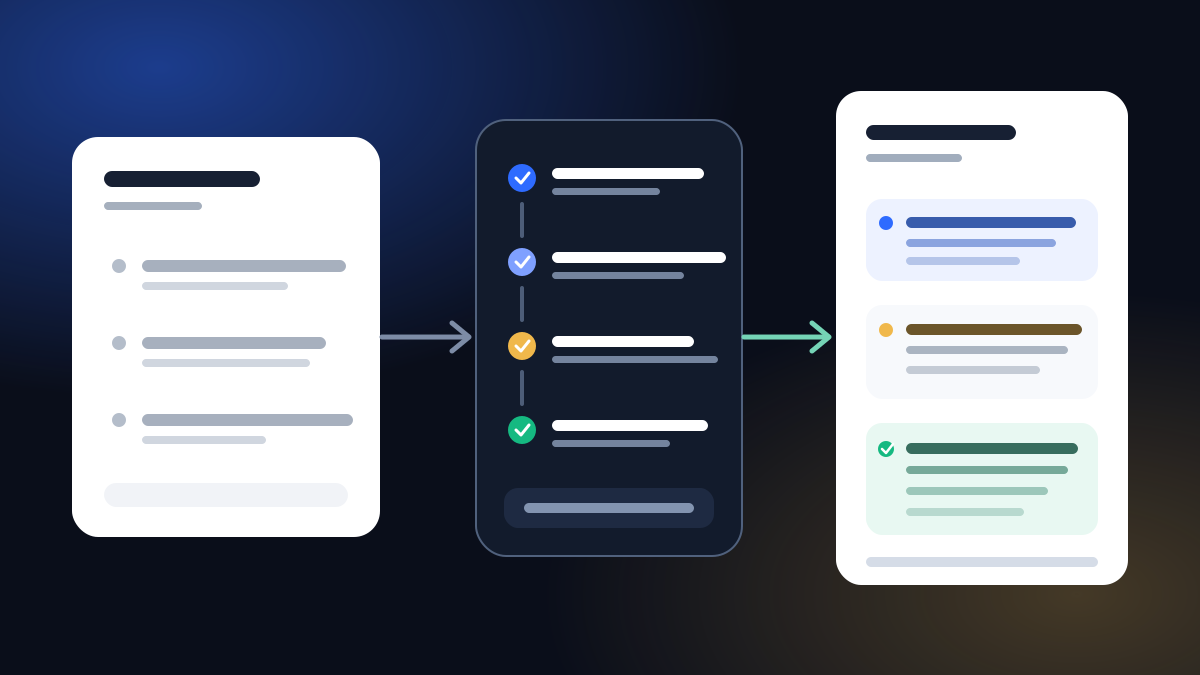
To update your resume, make three focused passes: remove stale content, add new verified evidence, and retarget the strongest proof to the job you want. You do not need to rewrite every line. Keep a complete master copy, edit a targeted version, and check the exact file before you submit it.
The UK National Careers Service recommends checking contact details, adding new achievements, experiences, or skills, reviewing every section, removing outdated information, and tailoring the CV to the role. The method below turns that advice into a repeatable update rather than a blank-page rewrite.
The fastest way to update a resume
| Pass | Question | Typical changes | What stays protected |
|---|---|---|---|
| Remove | What is wrong, stale, or wasting space? | Contact details, dead links, old objectives, duplicated or irrelevant lines | Accurate facts that still explain your career |
| Prove | What have I done since the last version? | Roles, projects, promotions, skills, qualifications, responsibilities, results | Original evidence and honest limits |
| Retarget | What matters most for this job? | Headline, summary, skills order, first bullets, selected keywords | Employers, dates, titles, credentials, and facts |
This sequence matters. If you start by copying keywords from a vacancy, you can make an old resume sound targeted while leaving the dates, results, and contact details wrong. Update the record first; tailor the message second.
Step 1: save a master resume before editing
Make a duplicate of your most complete resume. The master is an evidence inventory, not the document you send to every employer. It can contain extra projects, older roles, certifications, and bullet points that do not fit every application.
For each item, preserve:
- official employer and job title;
- month and year dates you can verify;
- the work you actually performed;
- tools and methods you genuinely used;
- results with a known source;
- exact qualification and certification names.
Then create a separate application copy. Give it a useful filename such as Avery-Chen-Operations-Resume.pdf, not resume-final-new-v8.pdf.
Step 2: remove stale content
Start with errors that could make the rest of the update pointless.
Contact and links
Check your phone number, professional email, location at the level useful for the application, and any portfolio or professional-profile link. Open every link. Remove tracking links, private documents, and pages you no longer maintain.
Headline and summary
Delete an objective that describes the job you wanted years ago. A current headline should name the role or professional direction you are targeting. A summary should lead with relevant experience and evidence, not generic traits such as “hard-working team player.”
Experience and education
Remove duplicated responsibilities and compress older experience when it no longer needs the same detail as recent work. Keep enough chronology for the reader to understand your path. Correct an outdated qualification status, but retain the official name of the credential.
Skills
Delete software, methods, licenses, or language claims you could no longer use at the stated level. Move foundational tools out of the spotlight when the role assumes them, but keep them if the vacancy explicitly requires them and they remain true.
The National Careers Service advises removing outdated information, but “outdated” does not mean “old.” A ten-year-old achievement can stay when it is still relevant and defensible. A two-year-old expired certificate may need to go.
Step 3: add what changed, with evidence
List the changes since your last update before trying to write polished bullets:
- new role, promotion, contract, project, or volunteering;
- increased scope, such as a larger region, budget, workload, or team;
- new qualification, certification, publication, award, or training;
- new skill, with the context in which you used it;
- completed outcome, including what changed and how you know.
If you have numbers, record their source beside your draft: reporting dashboard, invoice record, project plan, support system, survey, audit, or manager-confirmed figure. The source note does not belong on the resume, but it prevents memory from turning an estimate into a claim.
If no reliable metric exists, use verifiable scope instead:
- frequency: weekly reporting, daily triage, quarterly planning;
- reach: three sites, six markets, cross-functional stakeholders;
- complexity: multilingual launch, regulatory deadline, legacy migration;
- output: onboarding guide, forecast model, training program;
- observable result: adopted by the team, delivered before the deadline, approved at audit.
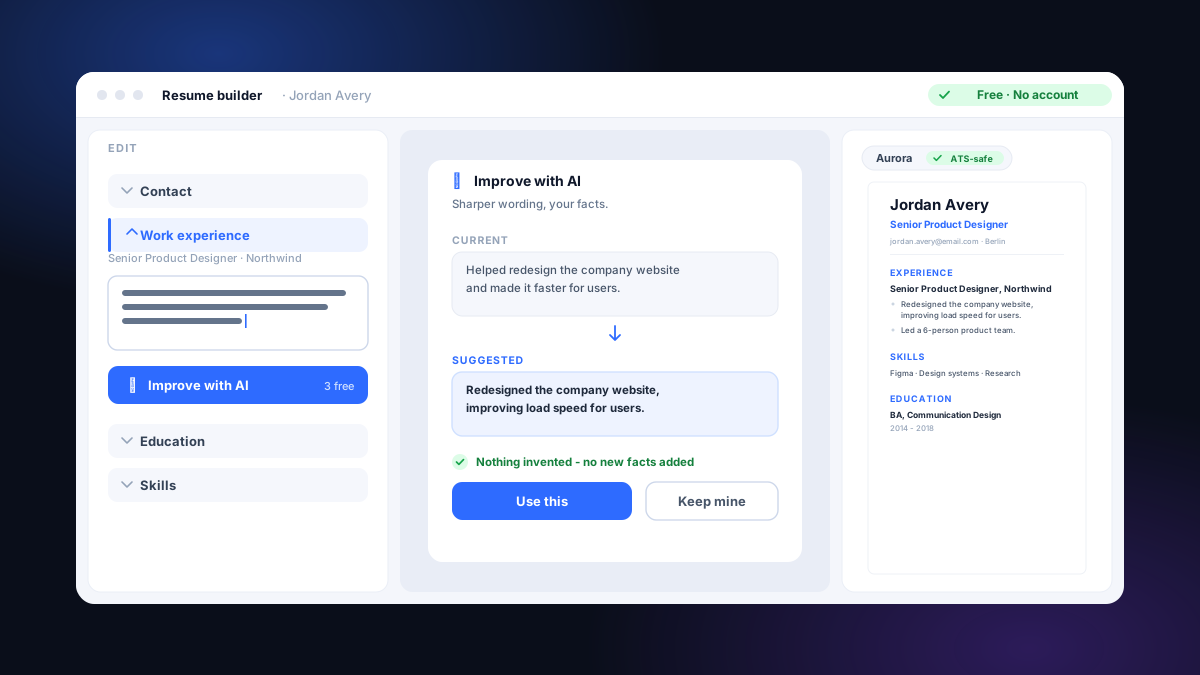
Compare the change:
The revised line does not need a percentage. It shows the action, the audience, and the scope using facts the candidate can defend.
Step 4: retarget the updated resume to the job
Now read the posting and separate its criteria into three columns:
| Job requirement | Your evidence | Resume location |
|---|---|---|
| Required and proven | Strong, recent example | Headline, summary, or first bullet |
| Required and partly proven | Accurate transferable example | Experience bullet with context |
| Not proven | None | Do not claim it |
Government guidance on tailoring a CV recommends focusing employment history on relevant experience and identifying keywords from the advert. Use a keyword only where it describes your real work. A repeated term is not evidence by itself.
Update the high-attention areas in this order:
1. Headline
Use a recognizable target role, optionally followed by an honest specialty.
- Weak: Experienced professional seeking new challenge
- Clear: Operations Manager - Multi-site Delivery
2. Summary
Write two or three lines that connect relevant experience, scope, and one credible outcome. Avoid a list of adjectives.
Operations manager with 8 years of experience across multi-site service teams. Led scheduling and reporting across 6 locations and consolidated four monthly data sources into one operating review.
3. Skills order
Move the required, proven skills first. Do not create a long keyword bank. The experience section should show where the most important skills were used.
4. First bullets
Put the most relevant evidence first under recent roles. You can reorder true bullets without changing history. Cut low-value duties before shrinking the font.
Europass also advises applicants to focus on facts and main points that match the job, use clear language and strong verbs, and keep the profile up to date in its official CV guidance.
What not to change during an update
Some details should remain stable across targeted versions:
- employer names and dates;
- official titles, with a truthful clarification only when needed;
- degree, institution, and qualification status;
- license and certification names;
- project facts and results;
- contact identity.
Targeting changes selection, order, and wording. It should not create conflicting histories. If two applications ask for the same period, both versions should agree on what happened.
A 20-minute resume update plan
If a deadline is close, use this order:
| Minutes | Task |
|---|---|
| 0-3 | Duplicate the master and check contact details and links |
| 3-8 | Add the newest role, project, qualification, and result |
| 8-12 | Remove stale objectives, expired claims, and duplicate lines |
| 12-17 | Match proven evidence to the job and reorder the top content |
| 17-20 | Proofread dates, tense, layout, filename, and exported text |
This is a triage plan, not a promise that every resume takes 20 minutes. Rebuilding a scan, resolving uncertain dates, or documenting years of missing experience deserves more time.
Final check before exporting
Read the document in two modes.
First, read it as a fact record:
- Do the dates and job titles agree with your evidence?
- Can you explain every number, tool, and outcome?
- Is the newest relevant work included?
- Are credentials current and named correctly?
Then read it as an application:
- Is the target role obvious near the top?
- Does the first half-page contain relevant proof?
- Are important job terms present only where truthful?
- Is older or unrelated detail taking space from stronger evidence?
Finally, open the exact PDF or DOCX you will submit. Check page breaks, headings, links, special characters, and the portal's file instructions. If it is a PDF, copy the text into a plain-text editor and inspect the reading order.
Resume update checklist
- I saved a complete master copy before editing.
- My phone, email, location, and links are current.
- I added new roles, projects, skills, qualifications, and verified outcomes.
- I removed expired, duplicated, irrelevant, or unfinished content.
- The headline and summary match the target role without changing facts.
- The strongest relevant bullets appear first under recent experience.
- Every number, tool, title, date, and result is defensible.
- I checked the exact exported file and the application instructions.
Public and public-university sources
- UK National Careers Service - How to write a CV
- UK JobHelp - Tailoring your CV
- Europass - Create your Europass CV
- University of Washington School of Public Health - Resume guide
A resume update is complete when the document is current, relevant, and internally consistent. Remove what no longer belongs, add what you can prove, and retarget the order and wording without rewriting your history.
Common questions
How do I update my resume?
Use three passes: remove stale or irrelevant content, add new verified experience and results, then retarget the headline, summary, skills, and first bullets to the job. Finish by checking dates, contact details, layout, and the exact exported file.
Should I rewrite my whole resume for every job?
No. Keep a complete master resume, then create a targeted copy. Usually the headline, summary, skills order, and strongest bullets need the most attention, while verified employers, dates, titles, and qualifications should remain consistent.
How often should I update my resume?
Update it whenever a material fact changes, such as a new role, project, qualification, responsibility, or result, and review it again before each application. Recording evidence while it is fresh is easier than reconstructing it months later.
What should I remove from an old resume?
Remove incorrect contact details, dead links, expired credentials, unfinished placeholders, duplicated content, vague objectives, and older details that no longer support the target role. Do not delete facts merely to hide a timeline problem; keep the chronology understandable.
Can I update a PDF resume?
You can make a small correction to a text-based PDF, but substantial updates are safer in a structured source document or resume editor. After exporting, copy the text into a plain-text editor and inspect the reading order, dates, headings, and bullets.