Quick answer
Create a resume online by importing a PDF or Word file, pasting text or following the guided builder, then review the template and export your base resume.To create a resume online, sign in to a free account, then import a file, paste text or start from scratch.
1. Choose how to start
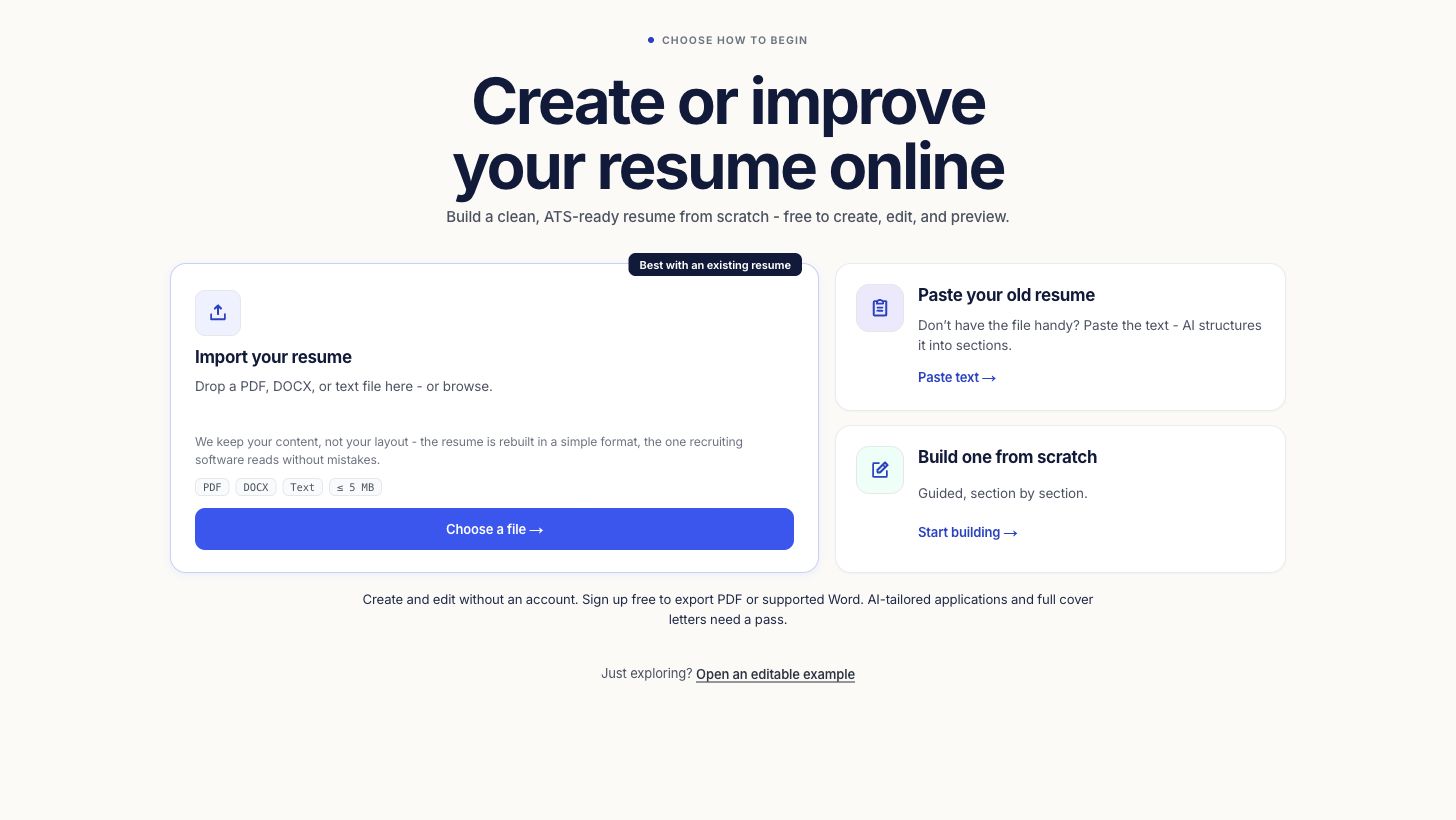
Open the free builder and choose one of three paths:
- Import a file if you already have a PDF or Word resume.
- Paste text if your resume lives in an email, document or profile.
- Start from scratch if you want a guided sequence of sections.
2. Add evidence, not filler
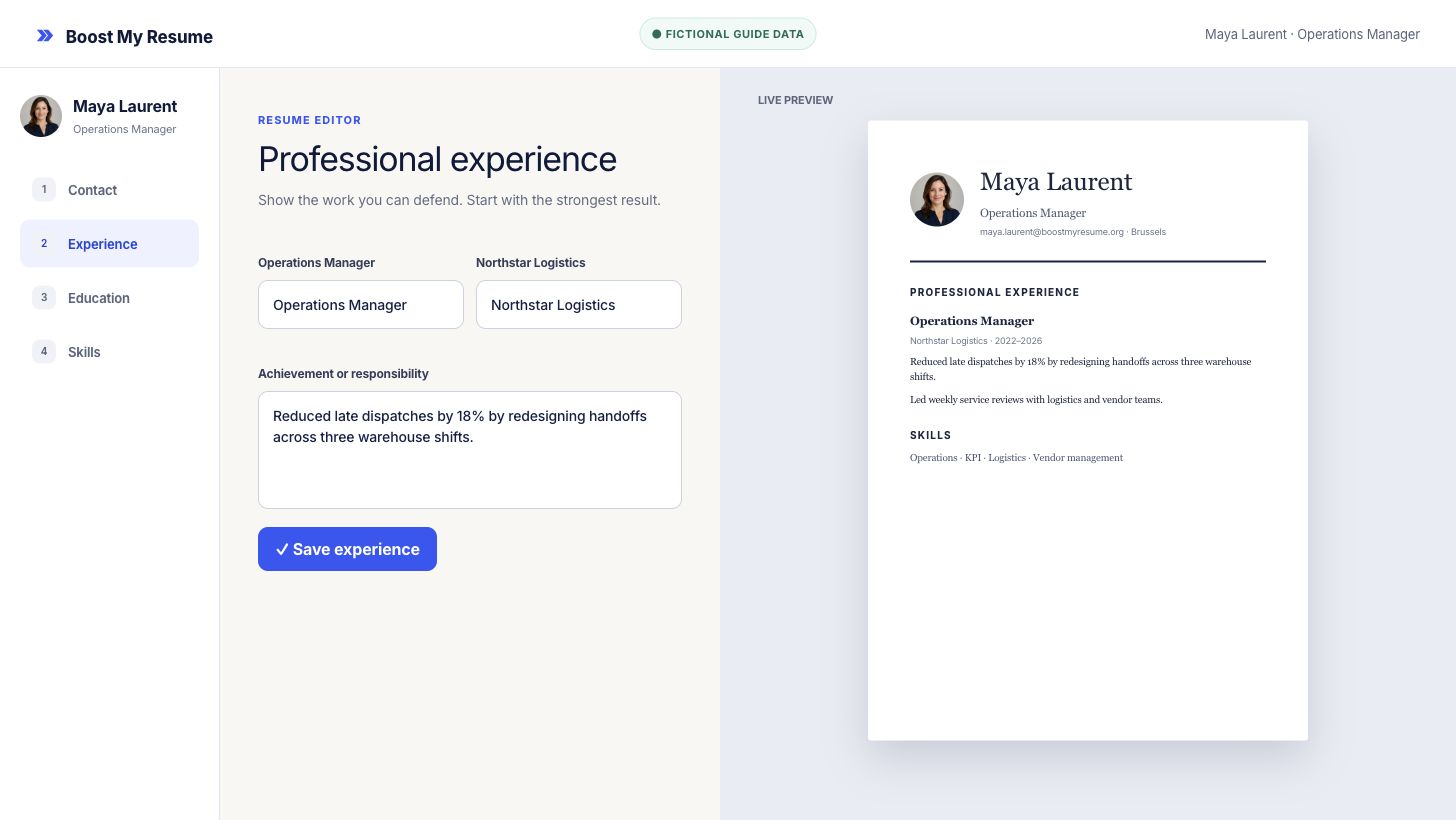
Work through the sections that matter for your target role. A useful experience bullet normally includes an action, its scope and evidence you can defend. If you do not have a reliable number, describe what you delivered or changed instead of inventing a percentage.
Your account saves the resume so you can continue on another device. Read every AI-assisted rewrite before accepting it. Your resume remains your claim.
3. Review the template and page
Choose a template for the role and application channel, not only for decoration. Check the ATS label, Word support, page size and optional photo setting before you decide. Then scan the preview from top to bottom:
- contact details are correct;
- dates and job titles are consistent;
- important achievements appear before routine duties;
- no heading or bullet is cut across pages.
For a deeper layout decision, use the template and profile-photo guide.
4. Save and export the base resume
A free account saves up to 3 base resumes. Choose one for free, watermark-free PDF downloads in all 28 templates, including corrections and repeat downloads of that same resume. Unstyled TXT is free for every base resume. One chosen base resume is free to download as PDF. Word files, PDFs of other base resumes, and tailored-resume and cover-letter files require paid access.
Frequently asked questions
Do I need an account to create a resume?
Sign in or create a free account before opening the editor. Save up to 3 base resumes, choose one for free PDF downloads, and download every base resume as TXT.
Can I import an existing resume?
Yes. Upload a PDF or Word file, or paste its text. Review every parsed section before you export.
Does the builder invent experience?
No. AI writing help must stay grounded in information you provide. Remove or correct any suggestion that is not true.
Create and design
Start with the resume you have
Sign in, then import, paste or start from scratch.