Quick answer
Free TXT; resume PDF and Word with paid access. Save 3 resumes free and download every base resume as plain text (TXT).To download your resume as PDF or Word, choose your document and format, then review the required access.
1. Identify the file
A free account saves up to 3 base resumes. Editing and unstyled TXT downloads are free.
Read 1 complete application preview, including a tailored resume and matching cover letter, each calendar month. File downloads require paid access.
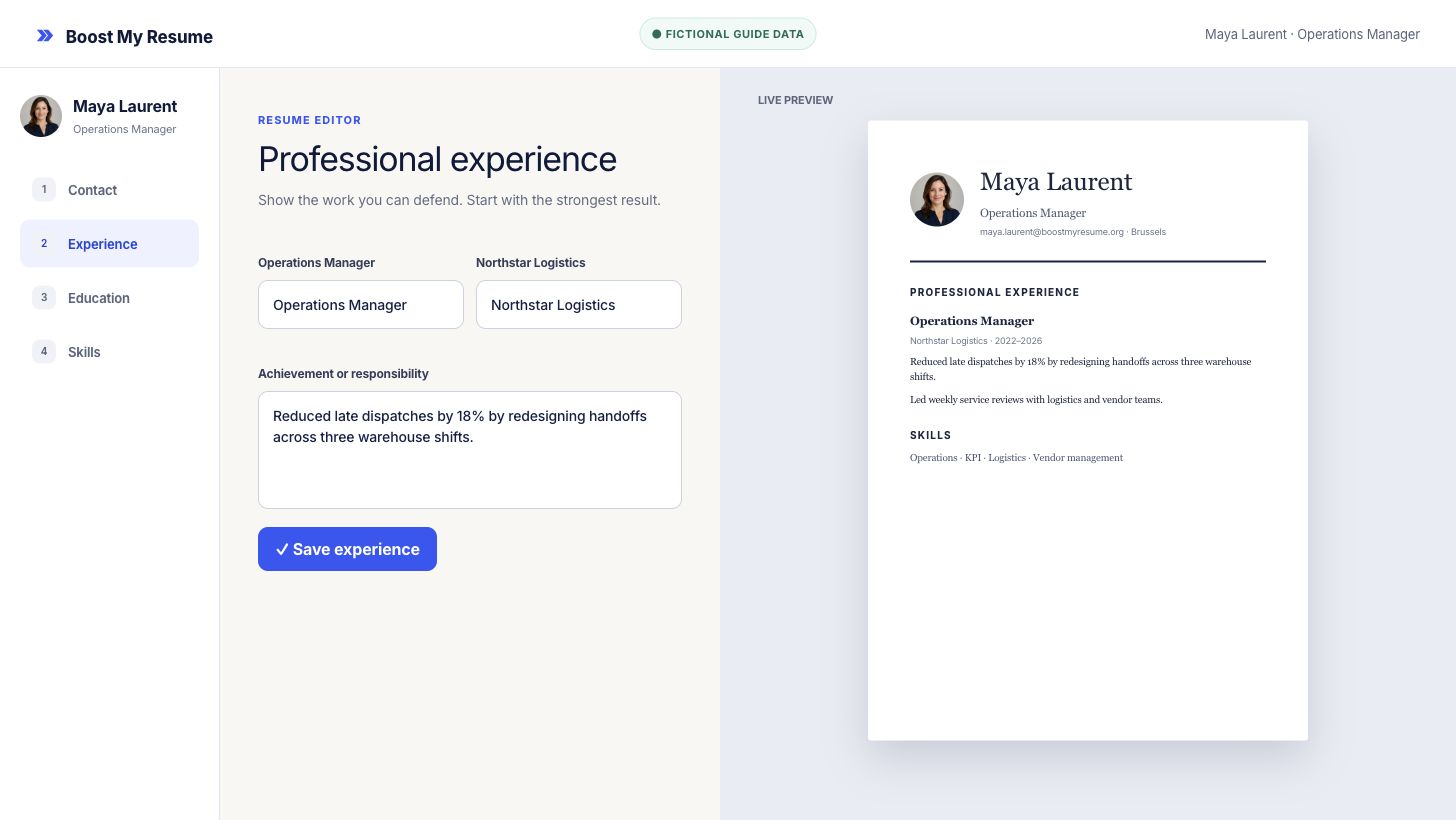
2. Choose PDF or Word
Open the resume actions and choose the format that fits the next step:
- choose a resume PDF when the layout must remain fixed;
- choose a resume Word file when a recruiter requests an editable file and the template supports it;
- switch to a Word-supported template if the current design is marked PDF only.
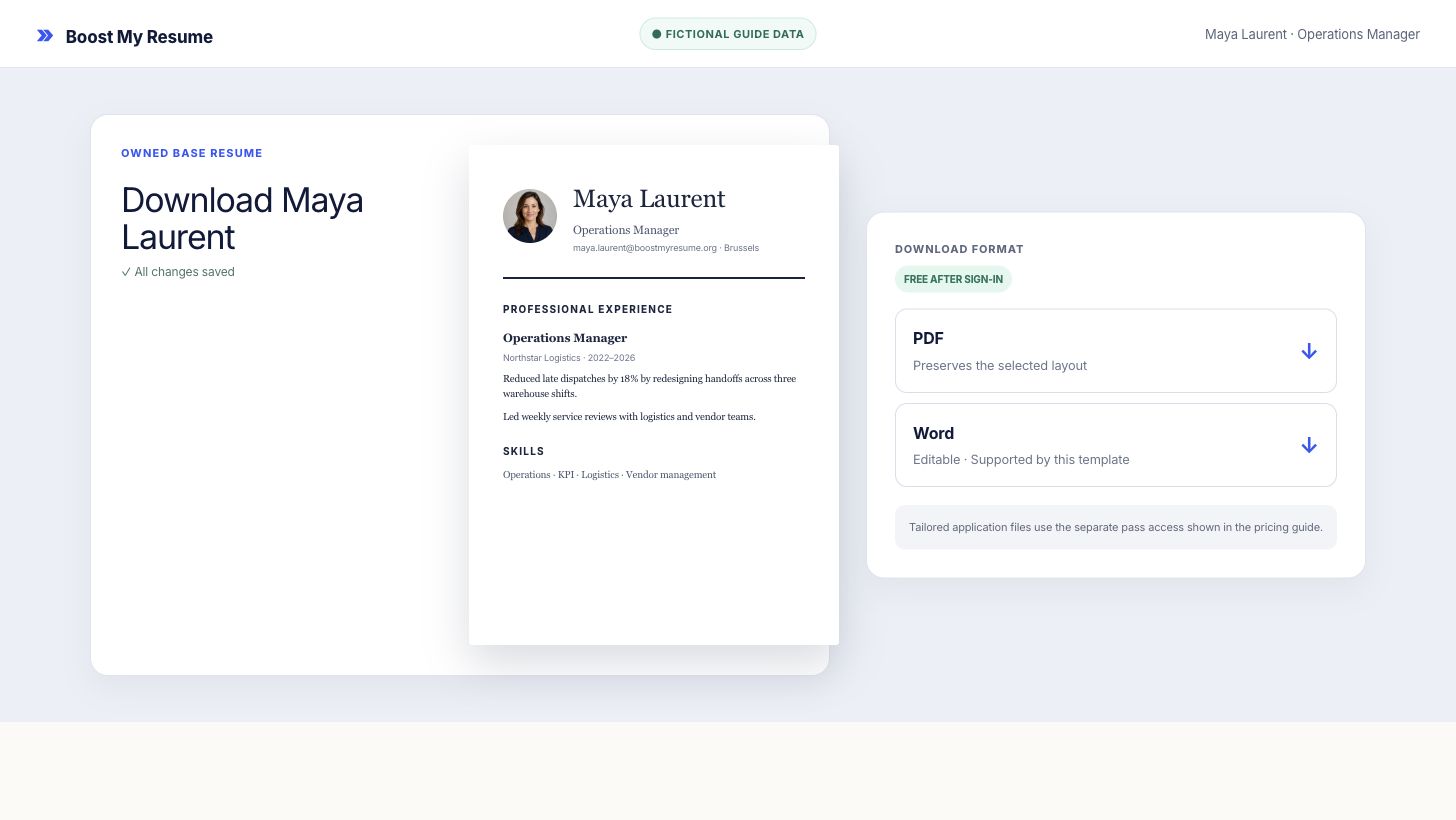
3. Review download access
Base-resume PDFs, supported Word files, and tailored-resume and cover-letter files require paid access.
4. Download with Monthly Pro
Base-resume PDFs, supported Word files, and tailored-resume and cover-letter files require paid access.
Monthly Pro includes 10 tailored applications a month, each with a matching cover letter, plus resume PDF and supported Word downloads. Cancel anytime. See the current price. Monthly Pro renews monthly until you cancel. Cancel in two clicks from Billing; access continues to the end of the paid period.
Frequently asked questions
Is a base-resume PDF free?
A free account saves up to 3 base resumes. Editing and unstyled TXT downloads are free. Base-resume PDFs, supported Word files, and tailored-resume and cover-letter files require paid access.
When is Word available?
A resume Word file is available with paid access on templates marked as Word supported. Choose a resume PDF for a template marked PDF only.
Which files require paid access?
Base-resume PDFs, supported Word files, and tailored-resume and cover-letter files require paid access.
Export and access
Prepare a resume you can export
Sign in or create a free account before opening the editor. Save up to 3 base resumes and download every base resume as TXT.