Quick answer
Create a cover letter from your resume and a real job description, choose its style and language, verify every claim, edit the full letter and export it.To write a cover letter for a job with AI, start with your accurate resume and the complete job description. The draft should connect supported experience to the employer's requirements. It should never create a new employer, skill or achievement.
1. Add your resume and the complete job posting
Open your resume and select Tailor to a job. Add the full posting and review the role, company and factual requirements before starting. Automatic tailoring creates a matching resume and cover letter from the same source facts. A cover letter without a specific posting cannot explain why you fit that specific job.
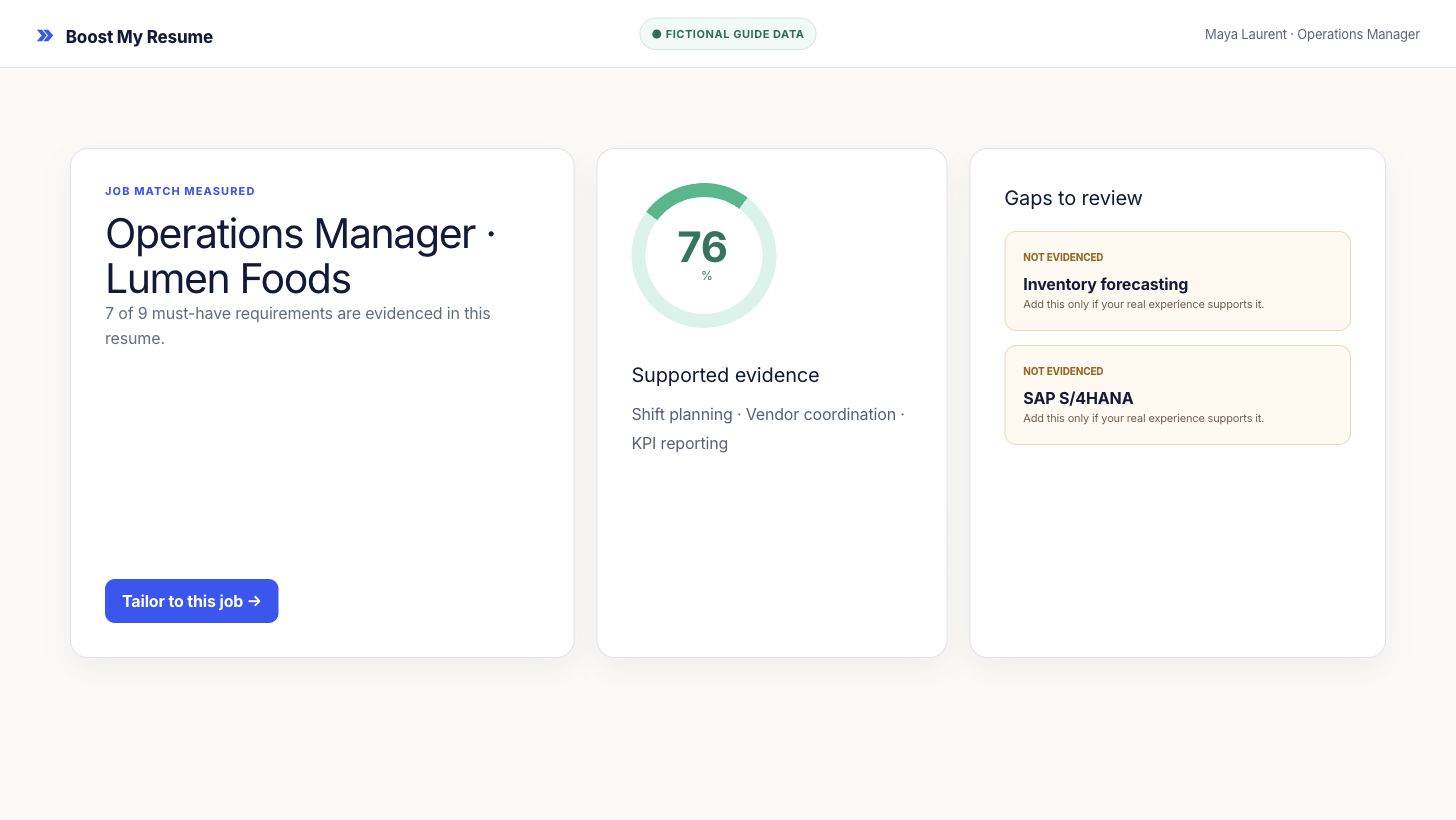
Correct the resume or posting first if the analysis used the wrong information. The cover letter will use the same source experience and job target.
2. Create the matching application
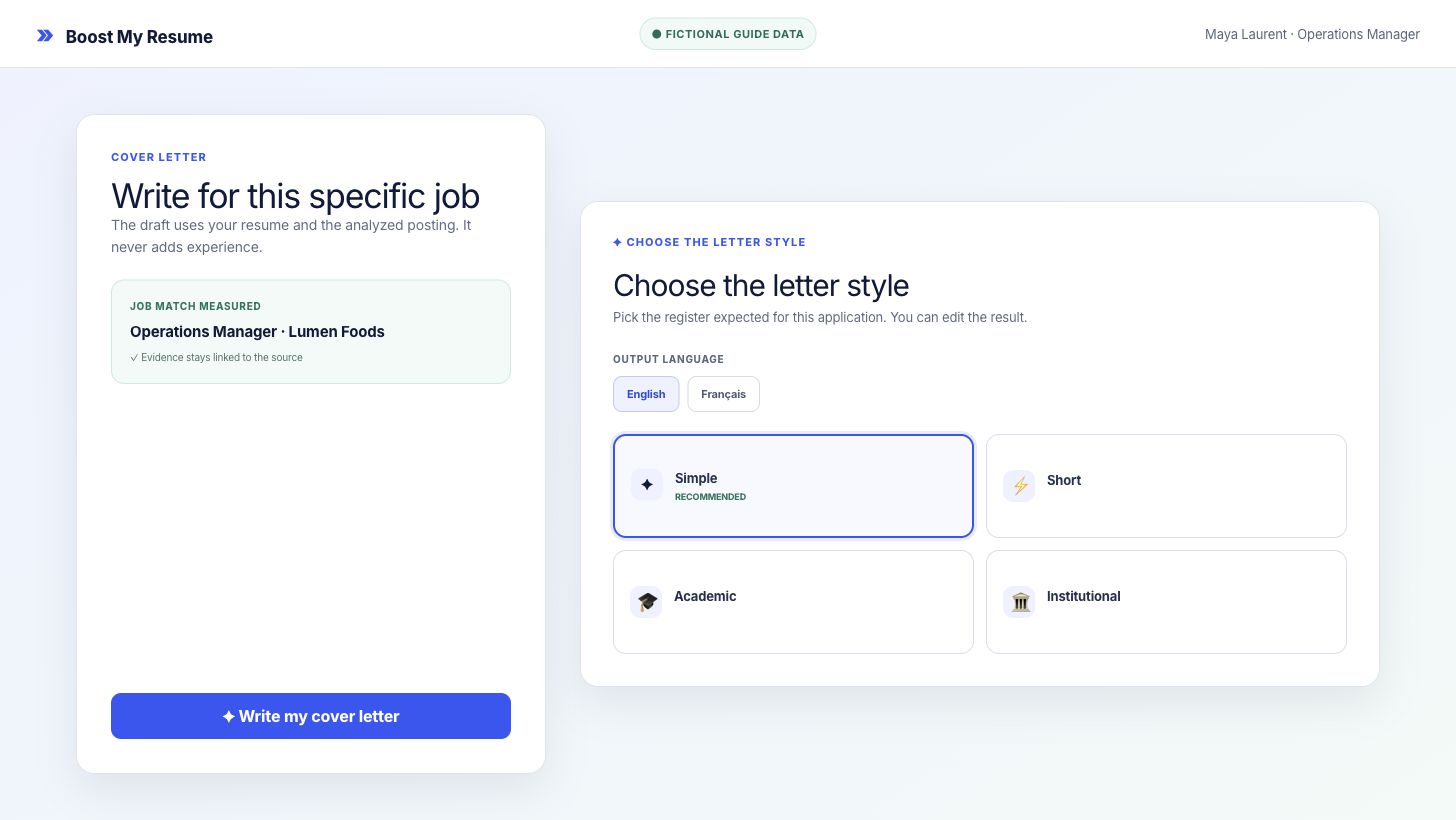
Start automatic tailoring after checking the job target. The same run creates the tailored resume and matching cover letter, so the two documents use the same supported experience and job context. The document language and posting guide the first draft; you make the final tone decision during review.
3. Verify every claim and edit the full cover letter
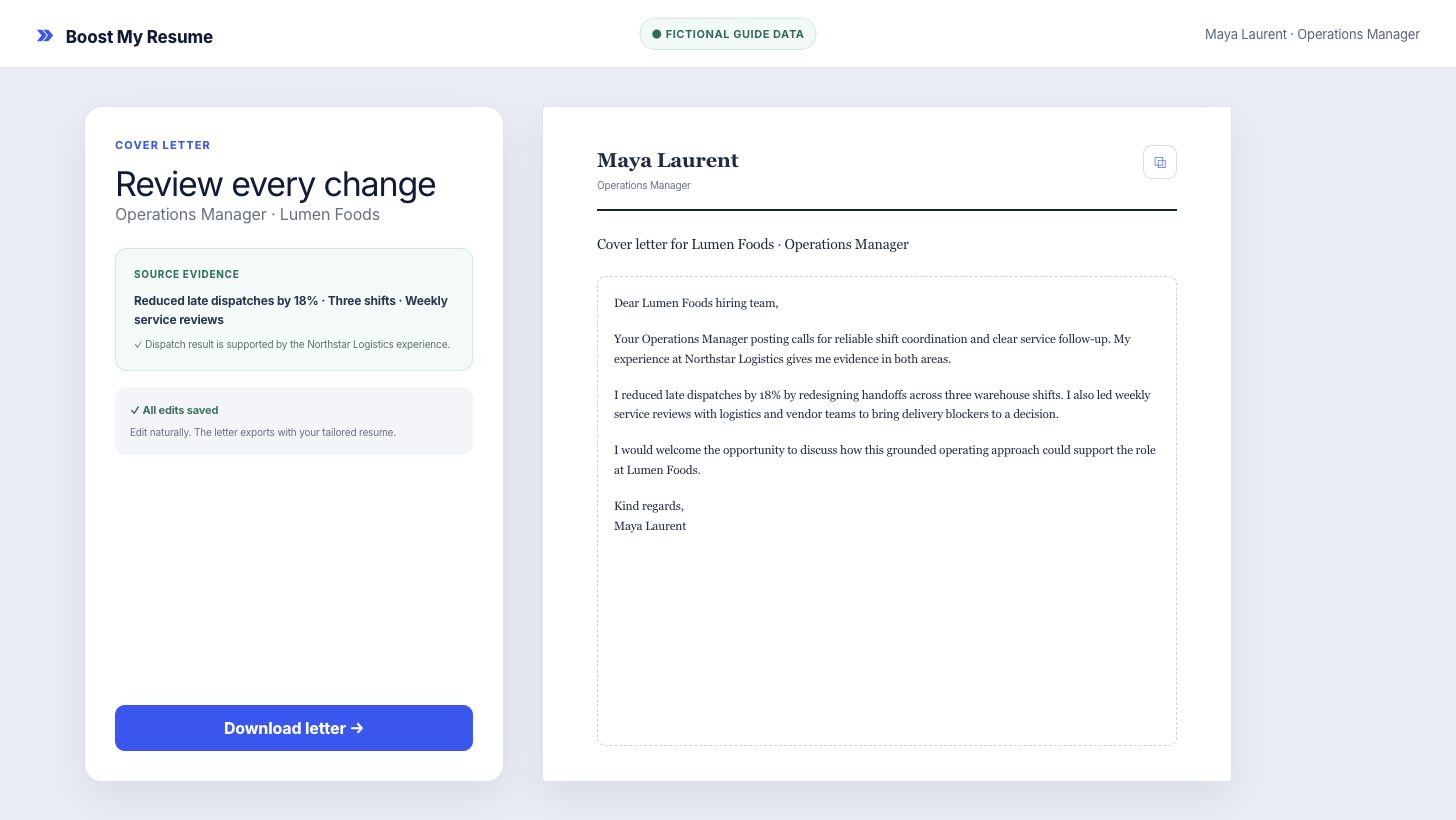
Read the full letter and check the company, role and every claim against your source resume. Correct anything inaccurate before using it.
Verify these details against the source resume:
- employer names, dates and job titles;
- tools, qualifications and languages;
- numbers, results and the scope of each achievement;
- the reason each example supports this role.
4. Download the cover letter when it is ready
Read 1 complete application preview, including a tailored resume and matching cover letter, each calendar month. File downloads require paid access. Monthly Pro includes 10 tailored applications a month, each with a matching cover letter, plus resume PDF and supported Word downloads. Cancel anytime. See the current price.
Frequently asked questions
What do I need to create a tailored cover letter?
Use a resume with accurate experience and the complete posting for one specific role. The role, company and requirements give the letter its target.
Will the AI invent experience for the cover letter?
It should use only facts supported by your resume. Review every employer, date, tool, number and achievement before sending the letter.
Can I choose the cover letter language and style?
Automatic tailoring follows the posting and document language. Review and edit the generated letter so its tone matches the employer and your own voice.
What is free and what requires paid access?
Read 1 complete application preview, including a tailored resume and matching cover letter, each calendar month. File downloads require paid access. Standalone cover-letter generation uses its own allowance. It does not use a tailored application. File downloads require paid access.
Analyze and tailor
Write a cover letter for a real job
Choose a resume template or skip, then sign in. Add your resume and the job posting to create a tailored resume and matching cover letter.