Quick answer
Choose a resume template by ATS risk, Word support, role and market, then decide whether to show an optional profile photo and review the final crop.Choose a resume template and profile photo for the application context, not as decoration. The best layout is one that keeps your strongest evidence readable, exports in the required format and matches the expectations of the market you are applying in.
1. Filter resume templates by practical requirements
Start with the labels in the gallery:
- ATS-safe or alternative layout;
- PDF and Word support;
- A4 or US Letter fit;
- the amount and type of content the design can hold.
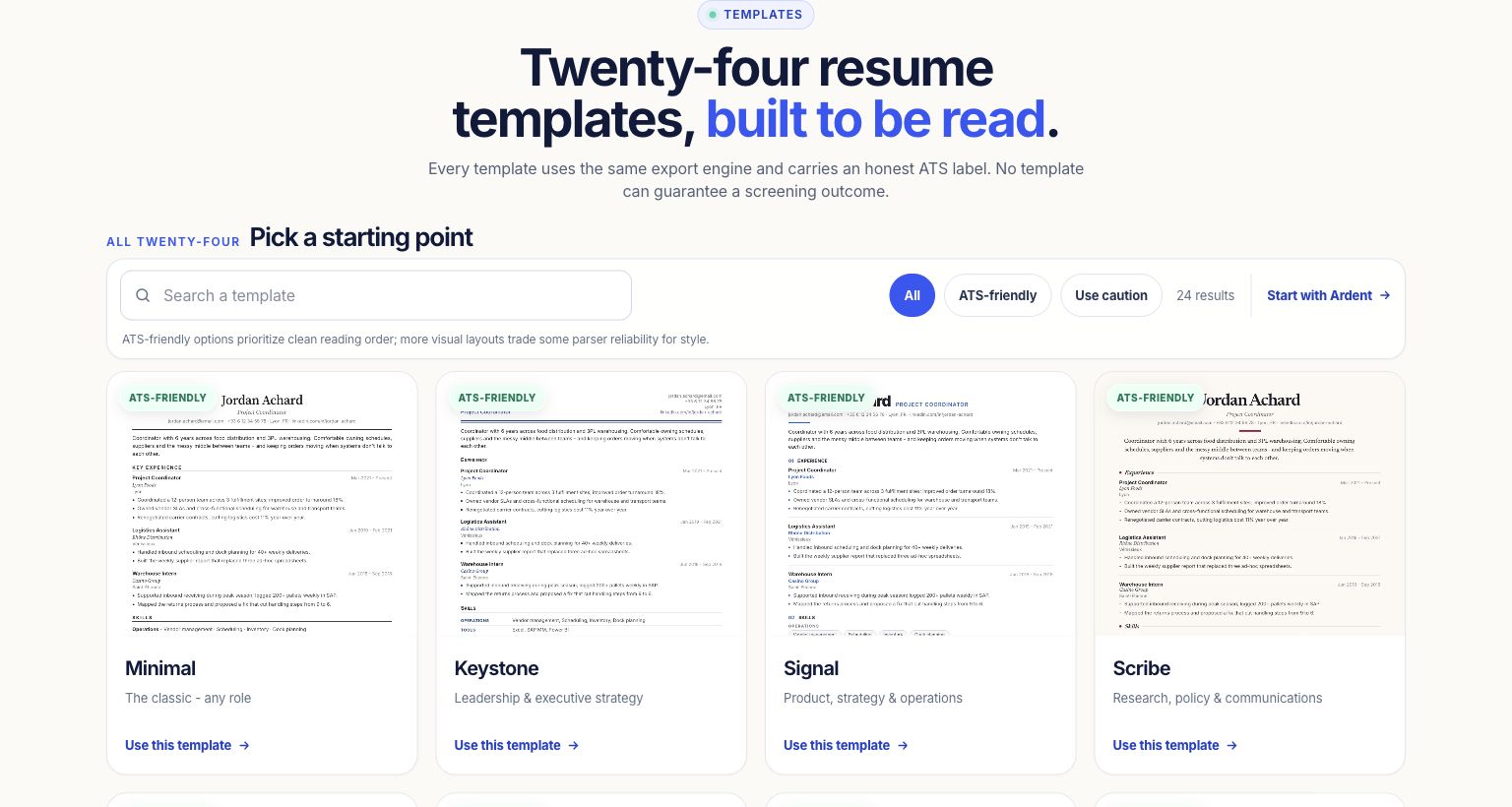
2. Preview the template with your own content
A gallery thumbnail cannot reveal your page breaks. Open the design in the editor and check headings, dates, bullet wrapping and the order in which a recruiter will scan the page. Use the one-page fitting control only after you have removed low-value content.
3. Decide whether a profile photo belongs
Photos are optional and hidden by default. For US and UK applications, keeping the photo hidden avoids bias-screening concerns. Expectations differ elsewhere, so follow the specific market, profession and employer instructions rather than applying one rule everywhere.
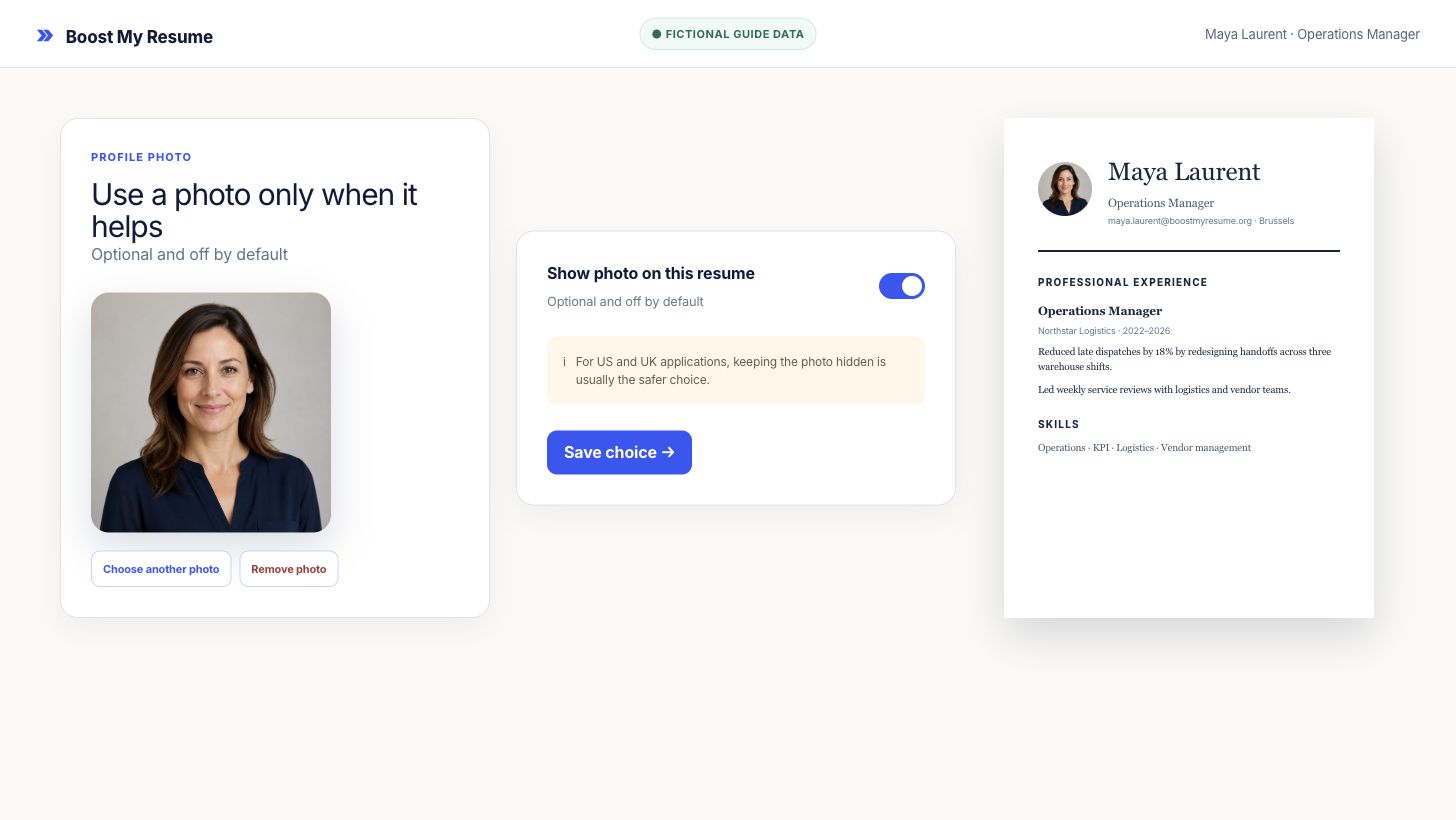
4. Review the final crop and privacy choice
Use a clear, current head-and-shoulders image with a quiet background. Check that the face is not cropped at the chin or hairline and that the photo does not force important experience onto another page. If you save a photo, it belongs only to that resume. The remove action deletes the stored photo object.
Frequently asked questions
Is a resume photo required?
No. Photos are optional and hidden by default. Follow the expectations of the market and employer you are applying to.
Which resume templates support Word export?
The gallery labels Word-supported templates. PDF-only designs are also labeled before you choose them.
Where is the profile photo stored?
For a saved resume, the cropped photo is stored privately for that resume and delivered through signed access. Deleting it removes the stored object.
Create and design
Compare resume templates with your own content
Open a design in the free builder and check the live preview before you commit to the layout.